The fastest way to build an MCP server for an existing app is to look at its API and turn every endpoint into a tool. I've done it. It looks productive: a few hours later you have fifteen tools and full coverage.
Then you watch an agent use them, and it's a mess.
What the "one endpoint, one tool" server looks like
For a support desk app, it usually ends up like this:
get_ticket            get_ticket_comments     get_customer
get_customer_plan     list_tickets            search_tickets
update_ticket_status  add_comment             assign_ticket
get_agents            get_agent_by_email      update_priority
...
To answer one simple question ("what's going on with SD-1042 and who's handling it?"), the model now has to call get_ticket, then get_ticket_comments, then get_customer, then maybe get_agents to turn an ID into a name. Four round trips, four chances to pick the wrong tool or pass the wrong argument, and four tool results filling up the context.
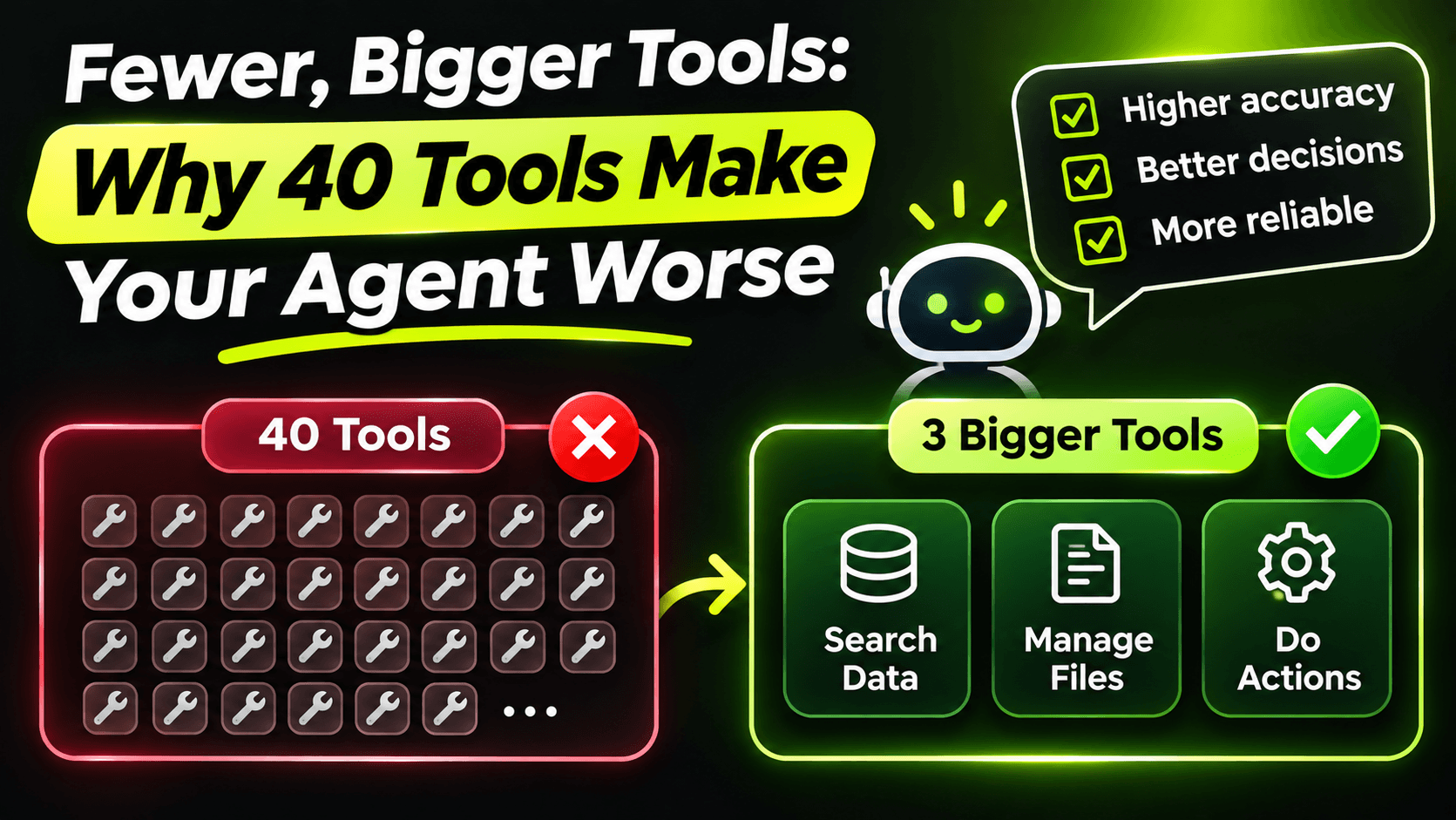
And every one of those tools costs something even when it's never called. The client sends all tool names, descriptions and schemas to the model on every turn. Fifteen tools means fifteen descriptions the model has to read and choose between, every single time. The more similar they are, the more often it chooses wrong. As we saw in the previous post, the model only knows your tools through their descriptions, and fifteen near-identical descriptions are hard to tell apart.
Design tools around tasks
Instead of asking "what does my API offer?", ask "what will someone actually ask the agent to do?". For a support desk, it's things like: find tickets about a problem, understand one ticket, resolve a ticket, hand a ticket to someone else.
Here's what "understand one ticket" looks like as one tool:
[McpServerTool(Name = "get_ticket", ReadOnly = true)]
[Description("""
    Gets one support ticket with everything needed to answer questions about it:
    status, assignee, customer name and plan, and the last 5 comments.
    Use this only when you have an exact ticket number such as SD-1042.
    """)]
public Task<TicketView?> GetTicket(
    [Description("The ticket number in the format SD-1234.")]
    string ticketNumber)
    => tickets.GetViewAsync(ticketNumber);

public sealed record TicketView(
    string Number,
    string Title,
    TicketStatus Status,
    string? AssigneeName,
    string CustomerName,
    string CustomerPlan,
    IReadOnlyList<CommentView> LastComments);

public sealed record CommentView(string Author, DateTimeOffset At, string Text);
One call answers the question. The return type is built for the agent, not copied from your database entity: names instead of IDs, only the last few comments instead of all of them, the customer's plan because support questions often depend on it.
Task-shaped write tools are safer too
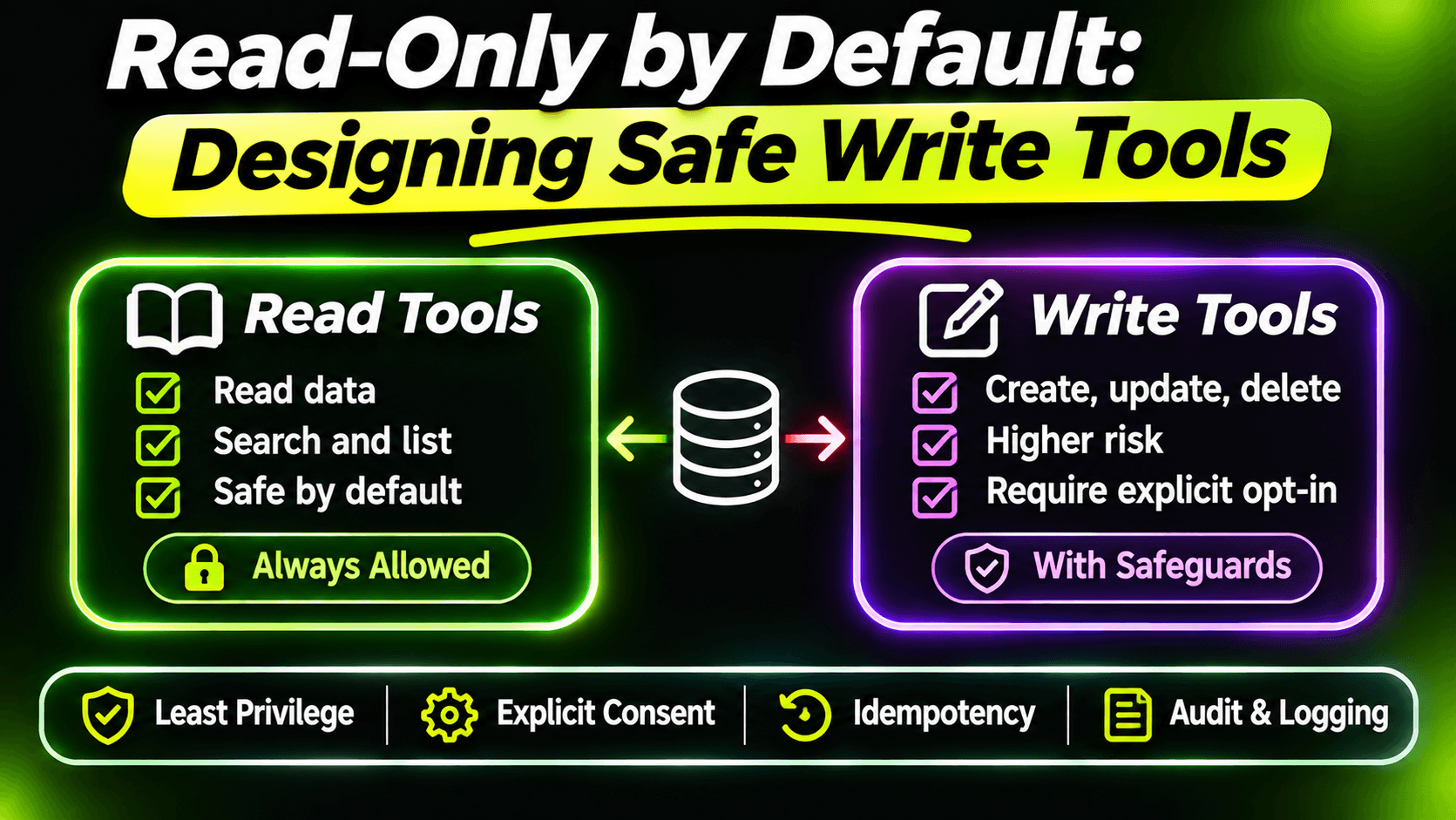
The same idea matters even more for tools that change data. Resolving a ticket in the CRUD version means three calls: update the status, add a comment explaining the fix, maybe unassign it. If the model does the first and forgets the second, you have a "Resolved" ticket with no explanation.
One tool, one task:
[McpServerTool(Name = "resolve_ticket", Destructive = false)]
[Description("""
    Marks a ticket as resolved and records how it was fixed.
    Use this only after the user has confirmed the problem is solved.
    """)]
public Task<TicketView> ResolveTicket(
    [Description("The ticket number in the format SD-1234.")]
    string ticketNumber,
    [Description("One or two sentences explaining what fixed the problem.")]
    string resolutionNote)
    => tickets.ResolveAsync(ticketNumber, resolutionNote);
Your C# code does the status change and the comment in one transaction. The model can't do half of it, because there's no half to do. Business rules belong in your code, not in the hope that the model calls things in the right order.
Don't swing to the other extreme
The opposite mistake is one giant tool:
// Don't do this
[McpServerTool(Name = "tickets")]
[Description("Does ticket operations. Actions: get, search, resolve, assign, comment...")]
public Task<string> Tickets(string action, string jsonArgs) => ...
Now the schema says nothing. The model has to guess the shape of jsonArgs from a sentence, and you've lost every benefit of typed parameters we talked about in the previous post. "Fewer tools" means each tool does one complete task well, not that everything hides behind one string.
A rough test I use: if two tools are almost always called together, they probably want to be one. If one tool has a parameter that completely changes what it does, it probably wants to be two.
Expose only what each client needs
Not every client needs every tool. An assistant for support agents should be able to read and resolve tickets. It probably shouldn't be able to delete customers. Instead of registering everything with WithToolsFromAssembly, register tool classes explicitly:
builder.Services
    .AddMcpServer()
    .WithStdioServerTransport()
    .WithTools<TicketReadTools>()
    .WithTools<TicketAdminTools>();
Keep read tools and admin tools in separate classes, and a server for a read-only assistant simply leaves the second line out. Fewer tools in the list means fewer wrong choices, a smaller prompt on every turn, and less damage when something does go wrong.
The short version
Your MCP server isn't a mirror of your API. It's an interface for a reader that sees only names and descriptions and pays for every one of them on every turn. Give it a small set of tools that each finish a real task, return what the task needs, and leave the rest out.
Want the full build? Build MCP Servers in C#: Connect AI to Your .NET Apps shows you how to give AI access to your own .NET apps with an MCP server. Or get the weekly tips by email: /newsletter.