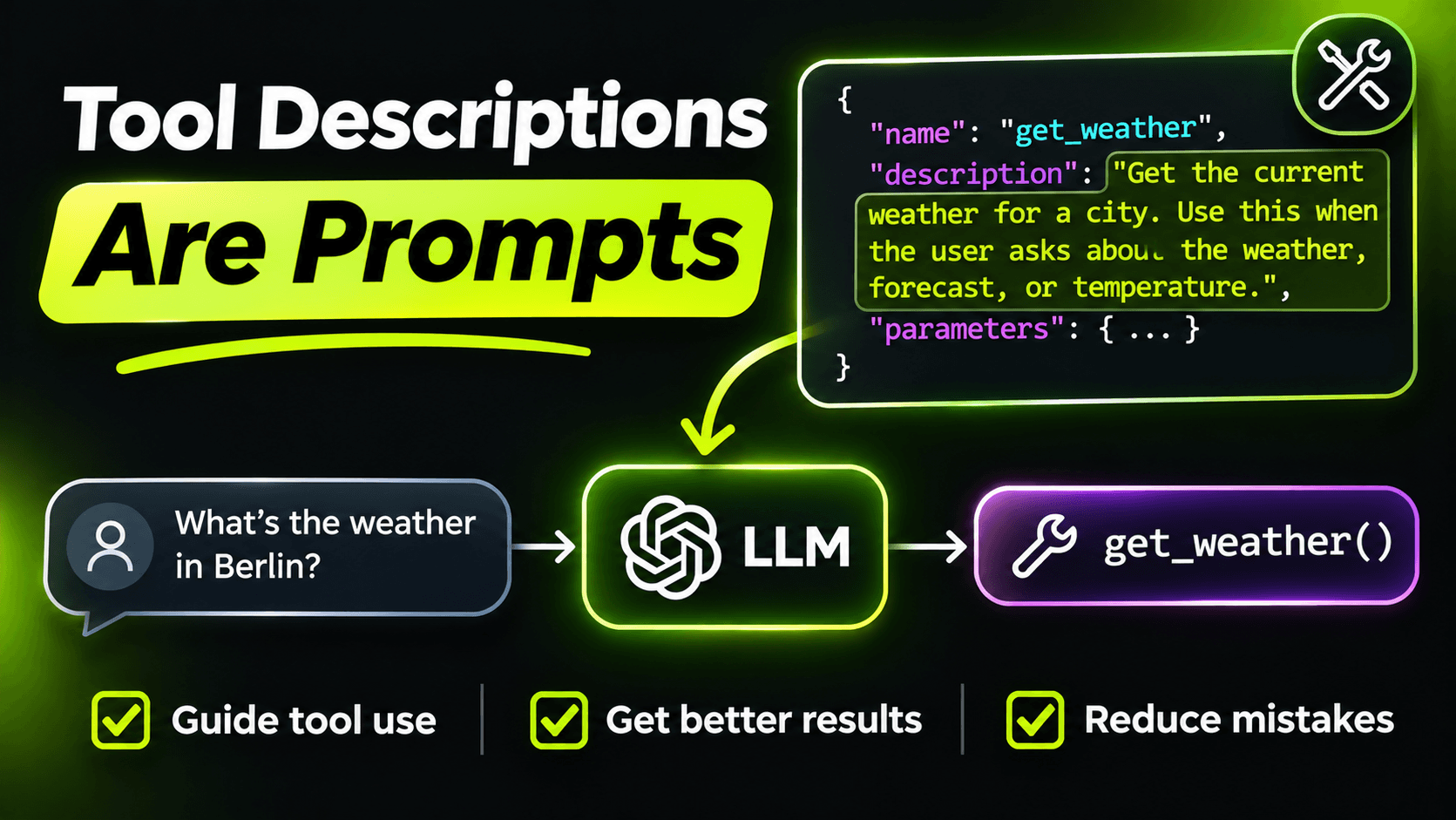
When an MCP client connects to your server, it asks for the list of tools. What comes back is a name, a description and a JSON schema for each tool. That's everything the model knows about your code. It never sees your method body, your tests or your README.
So the Description attribute isn't documentation. It's the prompt the model uses to decide whether to call your tool, which one to call, and what to pass in.
What a weak tool looks like
Here's a typical first version, from a support desk app:
[McpServerTool, Description("Gets tickets")]
public Task<IReadOnlyList<TicketSummary>> GetTickets(string q, string? s) => ...

[McpServerTool, Description("Gets a ticket")]
public Task<TicketDetails?> GetTicket(string id) => ...
A human reading this code understands it, because they can see the implementation. The model can't. It has to guess what q and s are, what format id takes, and when to use which tool. "Gets tickets" and "Gets a ticket" are so close that the model will mix them up, and it will.
The same tools, written for the model
[McpServerToolType]
public sealed class TicketTools(TicketService tickets)
{
    [McpServerTool(Name = "search_tickets", ReadOnly = true)]
    [Description("""
        Searches support tickets by free text, optionally filtered by status.
        Use this when the user describes a problem or asks about tickets in general.
        If the user gives a ticket number such as SD-1042, use get_ticket instead.
        Returns at most 10 tickets, newest first, each with number, title and status.
        """)]
    public Task<IReadOnlyList<TicketSummary>> SearchTickets(
        [Description("Words describing the problem, e.g. 'printer offline 3rd floor'.")]
        string query,
        [Description("Only return tickets with this status. Omit to search all statuses.")]
        TicketStatus? status = null)
        => tickets.SearchAsync(query, status);

    [McpServerTool(Name = "get_ticket", ReadOnly = true)]
    [Description("""
        Gets the full details of one support ticket, including its comment history.
        Use this only when you have an exact ticket number.
        Returns nothing if the ticket doesn't exist.
        """)]
    public Task<TicketDetails?> GetTicket(
        [Description("The ticket number in the format SD-1234.")]
        string ticketNumber)
        => tickets.GetAsync(ticketNumber);
}
It's longer. It's also the difference between an agent that works and one that calls the wrong tool half the time.
What goes into a good description
Looking at that example, each tool description answers four questions:
What does it do? One plain sentence. No internal jargon. If your team calls tickets "cases" but users say "tickets", write for the user's words, because those are the words that will be in the conversation.
When should it be used? This is the part almost everyone skips. "Use this when the user describes a problem" tells the model which situations map to this tool.
When should something else be used? My favourite trick. When two tools are close, say so explicitly in both: "If the user gives a ticket number, use get_ticket instead." One sentence like this fixes more wrong tool calls than any amount of prompt tweaking on the client side.
What comes back? "At most 10 tickets, newest first" tells the model it might not be seeing everything, so it can search again with a narrower query instead of telling the user "there are only 10 tickets".
Parameters need the same care
- Use real names.
queryandticketNumber, notqandid. The parameter name is part of the schema the model reads. - Give the format. "SD-1234" in the description means the model sends "SD-1042", not "1042" or "ticket 1042".
- Give an example when the input is free text. An example query shows the model what kind of input works better than a definition does.
- Use enums for fixed values. A TicketStatus enum turns into a list of allowed values in the schema. A string parameter called status invites the model to send "open tickets please".
- Make optional things optional. A nullable parameter with a default tells the model it can leave it out, instead of inventing a value.
Two small attribute details
I set Name explicitly on every tool. Without it, the tool name comes from the C# method name, and a harmless rename in a refactor becomes a breaking change for every client and every saved prompt that refers to the tool.
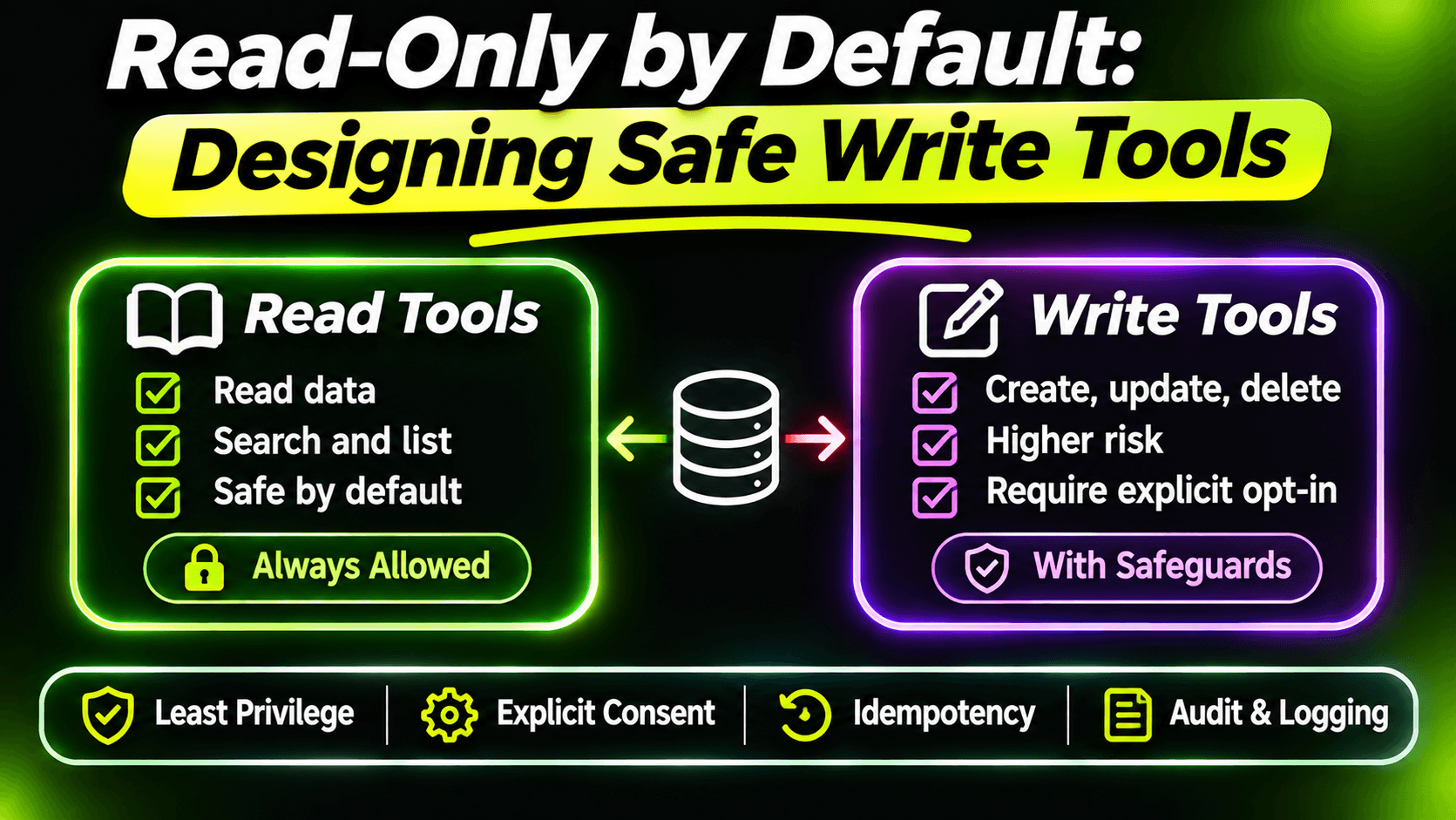
ReadOnly = true is a hint to clients that the tool doesn't change anything. Some clients use these annotations to decide what needs the user's confirmation. It costs nothing to add, and it's honest information about your tool.
Read your tools the way the model does
Here's how I review tool descriptions: I open the MCP Inspector, which we used in the previous post, call tools/list, and read only what's in the response. No source code open. Then I ask: if this were all I knew, would I pick the right tool for "is my printer ticket fixed yet?" If I hesitate, the model will too.
For anything beyond a couple of tools, turn that into a small test: a list of realistic user requests, each with the tool you expect to be called. Run it whenever you change a description. Tool descriptions are prompts, and prompts need tests.
Want the full build? Build MCP Servers in C#: Connect AI to Your .NET Apps shows you how to give AI access to your own .NET apps with an MCP server. Or get the weekly tips by email: /newsletter.